
April 2026 has been the worst month for crypto theft in over a year. Over $606 million stolen across 12 hacks. A fake Ledger app on the Apple Store drained $9.5 million from 50 people. The Claude Code malware campaign targeted 250 browser wallet extensions. North Korea’s Lazarus Group hit two protocols for $577 million combined.
If you hold crypto, the question is no longer whether you need better security. It is which wallet type actually protects you. Here is an honest comparison of hardware wallets and software wallets in 2026, what each one does well, and where each one fails.


Hardware vs Software Wallet Comparison Table
| Feature | Hardware Wallet | Software Wallet |
|---|---|---|
| Private keys stored | Offline on physical device | On your phone or browser |
| Internet connection | Never online | Always online |
| Price | $79 to $249 | Free |
| Setup time | 10 to 15 minutes | 2 minutes |
| Vulnerable to malware | No (keys never leave device) | Yes |
| Vulnerable to phishing | Partially (can sign bad txns) | Yes |
| DeFi / dApp access | Via companion wallet (MetaMask) | Native |
| Speed for daily trading | Slower (requires physical confirmation) | Instant |
| Recovery if device lost | Yes (seed phrase) | Yes (seed phrase) |
| Best for | Long-term holding, large amounts | Active trading, daily DeFi |
How Does a Hardware Wallet Keep Your Crypto Safe?
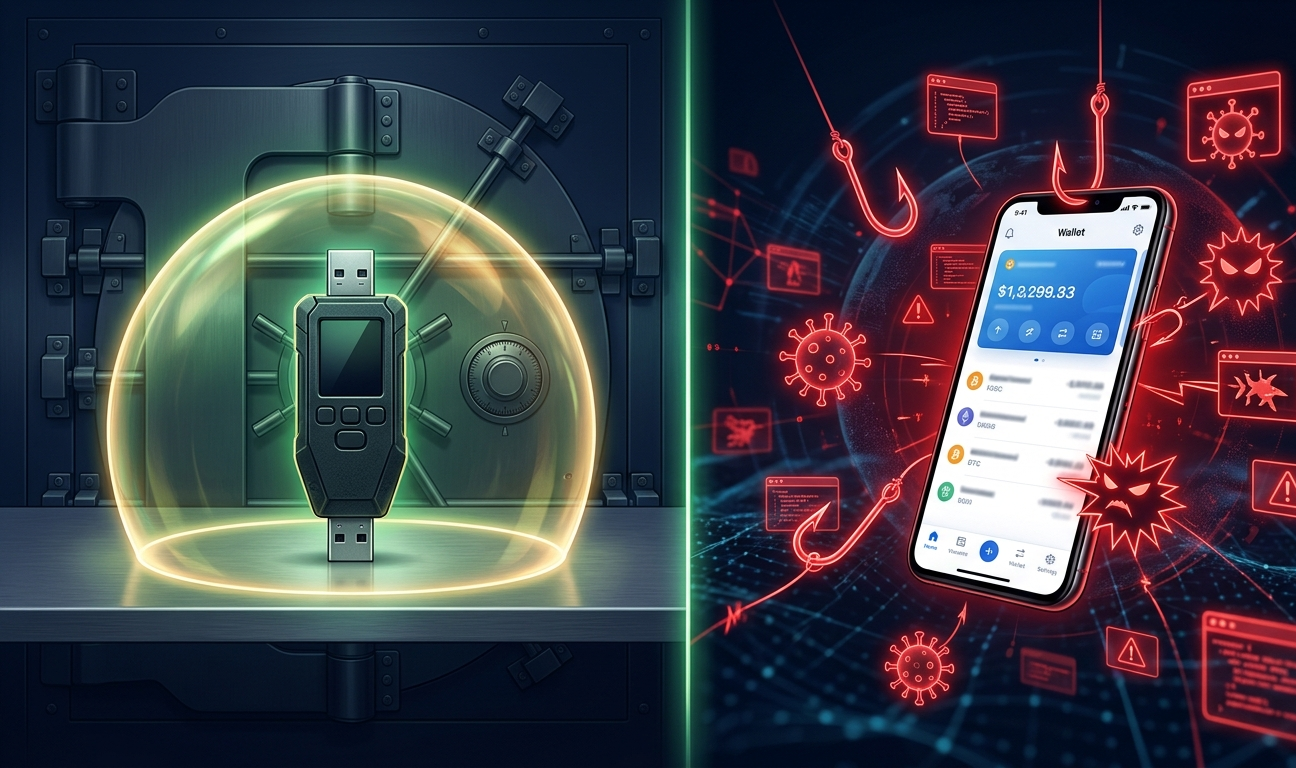
A hardware wallet is a small physical device, usually about the size of a USB stick, that stores your private keys completely offline. Your keys never touch the internet. When you want to send crypto, the transaction is created on your computer, sent to the hardware wallet, signed inside the device’s secure chip, and then the signed transaction goes back to your computer for broadcasting. The key itself never leaves the device.
That is why hardware wallets survived every major hack this month. The Claude Code malware scanned for 250 browser extensions and tried to replace desktop wallet apps with fake versions. If your crypto was on a Ledger or Trezor, the attacker could compromise your entire laptop and still not move your funds. They would need the physical device in their hands plus your PIN.
The two biggest names are Ledger and Trezor. Ledger uses a certified secure element chip (the same technology in passports and credit cards) and supports over 5,500 coins. The Nano S Plus costs $79 and the Nano X costs $149. Trezor uses fully open-source firmware that anyone can audit and supports over 8,000 coins. The Safe 3 costs $79 and the Safe 5 costs around $169.
Both are dramatically safer than any software wallet for storing crypto you are not actively trading.
How Does a Software Wallet Work?
A software wallet is an app on your phone, a browser extension, or a desktop programme. MetaMask, Phantom, Rabby, and Trust Wallet are the most popular ones. They store your private keys on the device you install them on, which means your keys are on a machine that is connected to the internet 24 hours a day.
That connectivity is both the strength and the weakness. Software wallets give you instant access to DeFi protocols, NFT marketplaces, token swaps, and dApps. You can sign a transaction in seconds without plugging anything in. For active traders and DeFi users, that speed is essential.
But because the keys live on an internet-connected device, they are exposed to every threat that device faces. Malware, phishing sites, fake apps, compromised browser extensions, and social engineering attacks can all reach your software wallet. The $9.5 million fake Ledger Live app on the Apple Store tricked people into entering their seed phrases into what looked like a legitimate application. A hardware wallet user who fell for the same scam would lose nothing because the real keys are on the physical device, not in the app.
Software wallets have gotten significantly better at security in 2026. MetaMask added Transaction Shield, an AI-powered layer that simulates transactions before you sign them. Rabby runs pre-transaction previews that show exactly what will leave your wallet. Phantom acquired Blowfish for built-in scam detection. These features help, but they are software-layer defences on a device that is fundamentally exposed.
When Should You Use a Hardware Wallet?
Use a hardware wallet for anything you are not planning to trade in the next few days. If you hold more than a few hundred dollars in crypto, the $79 cost of a Ledger Nano S Plus or Trezor Safe 3 is one of the cheapest forms of financial protection you can buy.
Long-term Bitcoin and Ethereum holdings should always be on hardware. Staking positions that you plan to leave for months belong on hardware. Any amount that would genuinely hurt to lose should be on hardware.
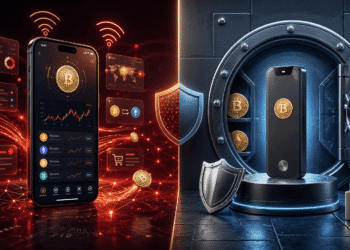
The best setup in 2026 combines both. Keep the bulk of your portfolio on a hardware wallet. Keep a smaller amount in a software wallet like MetaMask or Phantom for daily DeFi activity. Connect your hardware wallet to MetaMask as a signing device when you need to interact with dApps using your main holdings. That way you get the convenience of software with the security of hardware.
When Is a Software Wallet Good Enough?
If you are trading small amounts, testing new protocols, minting NFTs, or doing quick swaps, a software wallet is fine. The key is keeping only what you can afford to lose in a hot wallet. Treat it like the cash in your physical wallet. You would not carry your life savings in your back pocket. Do not keep it in a browser extension either.
For Ethereum and EVM chains, Rabby offers the strongest pre-transaction security with risk scanning and approval warnings. For Solana, Phantom is the cleanest experience with built-in scam detection. MetaMask has the broadest compatibility across the most dApps and chains.
What Both Wallet Types Cannot Protect Against
No wallet, hardware or software, can stop you from signing a malicious transaction. If a phishing site tricks you into approving a token drain and you confirm it on your Ledger, the funds are gone. The hardware wallet signs whatever you tell it to sign. It does not know the difference between a legitimate DeFi deposit and a scam contract.
That is why pairing a hardware wallet with a software wallet like Rabby, which simulates every transaction before signing, is the strongest combination available. The hardware keeps your keys safe. The software warns you before you sign something dangerous. Together, they cover each other’s blind spots.
After the worst month for crypto security in over a year, the bottom line is simple. A hardware wallet is not optional for anyone holding meaningful amounts of crypto. A software wallet is fine for daily use, but only with amounts you can afford to lose. And the smartest users in 2026 run both.
Frequently Asked Questions
Is a hardware wallet safer than a software wallet?
Yes. Hardware wallets store private keys offline on a physical device, making them immune to malware, phishing extensions, and remote hacking. Software wallets store keys on internet-connected devices, exposing them to every threat the device faces. For long-term storage and large amounts, hardware wallets are significantly safer.
Do I need a hardware wallet if I only hold a small amount of crypto?
For amounts under a few hundred dollars, a reputable software wallet like MetaMask or Phantom with strong security features is reasonable. Above that threshold, the $79 cost of an entry-level hardware wallet is worth the protection, especially given the frequency of hacks in 2026.
Can I use a hardware wallet with MetaMask or Phantom?
Yes. Both Ledger and Trezor can connect to MetaMask as a signing device. Your MetaMask interface handles the dApp interaction, but every transaction must be confirmed on the physical hardware wallet. This gives you software convenience with hardware security.
Disclaimer: This article is for informational purposes only and does not constitute financial, investment, or legal advice. Always conduct your own research before making any investment decisions.