
The crypto market moves at 3am on a Sunday. It crashes on a missile headline. It rallies on a Saylor tweet. If you are checking prices once a day through a web browser, you are always behind.
A good crypto app puts prices, news, alerts, and your portfolio in your pocket. The question is which one. There are dozens of options and most of them look the same on the surface. We tested four of the most popular ones and compared them on the stuff that actually matters: how fast the data is, how good the alerts are, how easy it is to use, and what you get for free.


Crypto Market App Comparison Table 2026
| Feature | CoinGecko | CoinMarketCap | TradingView | CoinStats |
|---|---|---|---|---|
| Best for | Research + news | Beginners | Charts + analysis | Portfolio tracking |
| Price | Free (Premium $10.99/mo) | Free | Free (Pro $12.95/mo) | Free (Pro $13.99/mo) |
| Coins tracked | 18,000+ | 20,000+ | 10,000+ | 10,000+ |
| Price alerts | Free, unlimited | Free | Free (limited), paid (unlimited) | Free |
| Charts | Basic | Basic | Professional grade | Basic |
| Portfolio tracker | Manual entry | Manual entry | No | Auto-sync (300+ exchanges) |
| News feed | Yes (curated) | Yes (basic) | Community ideas | Yes (curated) |
| DeFi data | Yes (TVL, yields) | Basic | No | Yes (wallet tracking) |
| NFT data | Yes (floor prices) | Basic | No | Yes |
| Mobile app rating | 4.7 stars | 4.6 stars | 4.8 stars | 4.5 stars |
| Owned by | Independent | Binance | Independent | Independent |
CoinGecko: Best All-Rounder for Research and News
If you only download one crypto app, make it CoinGecko. It does everything reasonably well and some things better than anyone else.
The app tracks over 18,000 coins with real-time prices, market caps, and 24-hour volume. But what makes CoinGecko special is the depth underneath the price. Tap on any coin and you get liquidity scores, developer activity, community size, exchange listings, and historical performance. It is the difference between knowing that a coin is up 5% and understanding why it is up 5%.
The news feed is curated and surprisingly good. It pulls from major outlets and filters by relevance. You can set it to show news only for coins you hold or watch. Price alerts are free and unlimited. You can set alerts for specific price levels, percentage moves, or volume spikes.
CoinGecko also tracks DeFi data (total value locked, lending rates, yield opportunities) and NFT floor prices. No other free app gives you this much breadth in one place.
The weakness is charts. CoinGecko’s charts are basic. If you draw trend lines, use RSI, or do any kind of technical analysis, you need TradingView alongside it. The portfolio tracker is also manual entry only, so you type in your trades yourself.
One thing worth knowing: CoinGecko is independent. It is not owned by any exchange. CoinMarketCap is owned by Binance. That independence means CoinGecko’s data and rankings are less likely to be influenced by exchange relationships.
Best for: Everyone. It is the Swiss Army knife of crypto apps. Download it first, then add specialist tools as you need them.
TradingView: Best for Charts and Technical Analysis
TradingView is not really a crypto app. It is a professional charting platform that covers stocks, forex, commodities, and crypto all in one place. If you care about price action, patterns, and indicators, nothing else comes close.
The charting tools are genuinely professional grade. Dozens of indicators (RSI, MACD, Bollinger Bands, Volume Profile), drawing tools (trend lines, Fibonacci, channels), and timeframes from one minute to one month. You can overlay multiple charts, compare assets side by side, and create custom scripts using Pine Script.
The alert system is TradingView’s killer feature. You can set alerts based on any chart condition. Not just “tell me when Bitcoin hits $80,000” but “tell me when Bitcoin’s RSI crosses above 30 on the 4-hour chart while volume exceeds the 20-day average.” Those alerts stay active indefinitely until triggered. You set them once and forget about them.
The free plan is good enough for casual use. You get basic charting, a limited number of alerts, and access to the community section where traders share ideas and analysis. The paid plans (starting at $12.95 per month) unlock unlimited alerts, more indicators, and ad-free charts.
The downside is that TradingView has no portfolio tracker, no news feed, no DeFi data, and no NFT tracking. It does one thing, charts, and does it better than anyone. You need a second app for everything else.
Best for: Active traders and anyone who makes decisions based on charts, patterns, and technical indicators.
CoinMarketCap: Best Free Option for Beginners
CoinMarketCap is the most visited crypto website in the world, with over 300 million monthly visits. The mobile app brings that same experience to your phone in a clean, fast package.
It tracks over 20,000 coins, which is more than CoinGecko. The rankings page is the industry standard that most people use to check where a coin sits by market cap. Price alerts are free. The interface is simple enough that someone who downloaded their first crypto app five minutes ago can figure it out.
The app recently added limited exchange sync with Binance and OKX, so your portfolio can partially update automatically. It also has a learning section called Alexandria that explains crypto concepts for beginners.
The downsides are real. The charts are basic. The news feed is not as well curated as CoinGecko’s. DeFi and NFT coverage is surface level. And the Binance ownership creates a perception issue. Some users worry that Binance-listed coins might get favourable treatment in rankings or featured listings.
For what it costs (nothing), CoinMarketCap delivers a lot. But if you want depth beyond price and market cap, you will outgrow it quickly.
Best for: Brand new crypto users who want the simplest, most recognisable app to get started.
CoinStats: Best for Tracking Your Portfolio Across Everything
CoinStats is the app you need if your crypto is scattered across multiple exchanges and wallets. It connects to over 300 exchanges and wallets via API and shows your entire portfolio in one dashboard, updated in real time.
The free plan syncs two exchanges and two wallets. That is enough for most people getting started. The Pro plan ($13.99 per month) unlocks unlimited connections, advanced analytics, and tax reporting tools.
What makes CoinStats stand out is the unified view. You see your total net worth across Coinbase, Kraken, MetaMask, Ledger, and everywhere else, all in one number. You see profit and loss by coin, by exchange, and by time period. You see which positions are winning and which ones are dragging you down.
CoinStats also tracks whale movements, sending you alerts when large Bitcoin transactions happen on-chain. And it has a DeFi tracker that shows your on-chain positions including LP tokens and staking balances.
The weakness is that CoinStats is not a research or charting tool. It tells you what you own and how it is performing. It does not help you decide what to buy next. Pair it with CoinGecko for research and TradingView for charts.
Best for: Anyone holding crypto across multiple exchanges and wallets who wants one dashboard showing everything.
Which App Should You Download?
Pick based on what you need most.
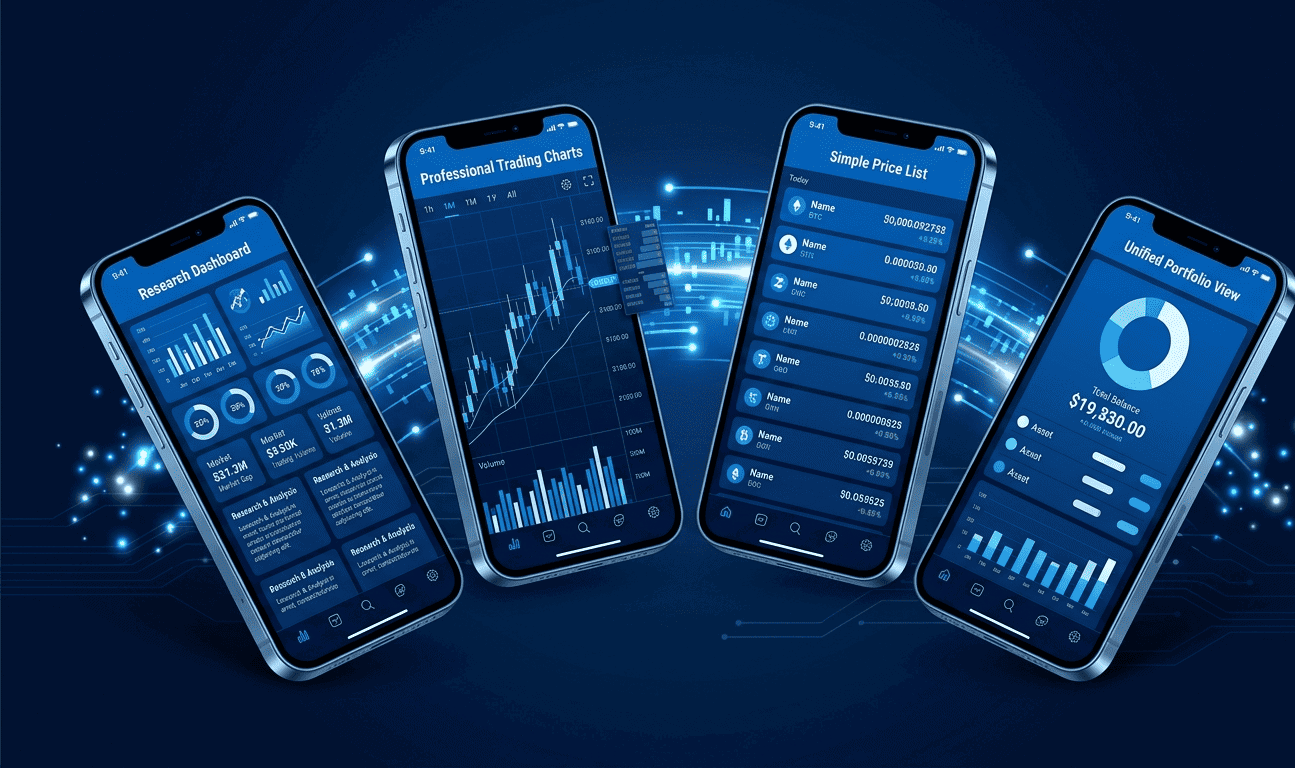
If you want one app that does a bit of everything, CoinGecko is the best starting point. Research, news, alerts, DeFi data, and NFT tracking, all free.
If you trade actively and care about charts, add TradingView. The free plan works for casual use. The paid plan is essential for serious traders.
If you are brand new and just want to check Bitcoin’s price, CoinMarketCap is the simplest option. Zero learning curve.
If your crypto is spread across multiple places and you hate logging into five different apps, CoinStats pulls everything into one view.
The power combo most experienced crypto people use: CoinGecko on your phone for research and news, TradingView on your laptop for charts, and CoinStats running in the background to track your portfolio. All three together cost nothing on their free plans.
Disclaimer: This article is for informational purposes only and does not constitute financial, investment, or legal advice. Features and pricing change frequently. Always verify current details on each platform’s official website.