
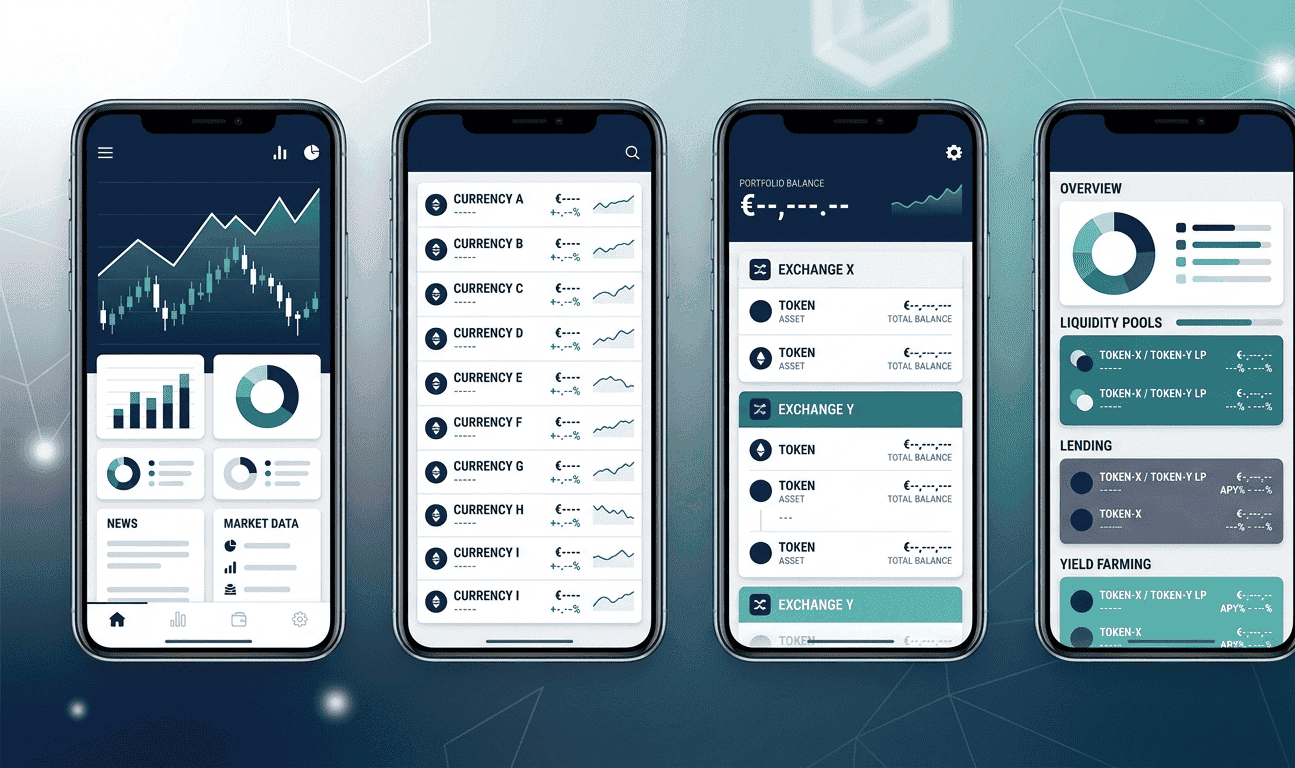
If you hold crypto across more than one exchange or wallet, you need a portfolio tracker. Checking Coinbase for your Bitcoin balance, then switching to MetaMask for your DeFi positions, then opening Phantom for your Solana tokens is a waste of time. A good tracker puts everything in one place.
The problem is most tracker reviews recommend paid tools that cost $50 to $200 per year. You do not need to spend that. The free options in 2026 are good enough for most people. We tested four of the most popular ones and compared them on what actually matters: how many coins they track, whether they connect to your wallets automatically, how they handle DeFi positions, and what they cost.


Crypto Portfolio Tracker Comparison Table 2026
| Feature | CoinGecko | CoinMarketCap | Delta | Zerion |
|---|---|---|---|---|
| Price | Free | Free | Free (Pro $59.99/yr) | Free (0.5% swap fee) |
| Coins tracked | 18,000+ | 11,000+ | 10,000+ | EVM tokens |
| Exchange sync (API) | No (manual only) | Limited (Binance, OKX) | Yes (300+ exchanges) | No (wallet only) |
| Wallet sync | No | No | Yes (limited) | Yes (auto) |
| DeFi tracking | No | No | No | Yes (50+ protocols) |
| NFT tracking | No | No | Yes (Pro only) | Yes |
| Multi-asset (stocks) | No | No | Yes | No |
| Mobile app | iOS, Android | iOS, Android | iOS, Android | iOS, Android |
| Desktop/web | Web | Web | Desktop app | Web |
| Tax reporting | No | No | No | No |
| Best for | Research + tracking | Free basic tracking | Multi-exchange sync | DeFi portfolios |
CoinGecko: Best for Research and Free Tracking
CoinGecko is probably the site you already use to check crypto prices. What most people do not know is that it has a built-in portfolio tracker that works well for basic needs.
You add your coins manually. Type in what you bought, how much, and when. CoinGecko calculates your profit and loss, shows your portfolio composition, and tracks performance over time. It supports over 18,000 coins, which is more than any other free tracker. If you own a tiny altcoin that nobody has heard of, CoinGecko probably has it.
The strength is that the portfolio lives inside CoinGecko’s research platform. You can check a coin’s fundamentals, liquidity score, developer activity, and community metrics, then add it to your portfolio without leaving the site. No other tracker gives you that depth of research alongside tracking.
The weakness is that everything is manual. No API connections. No wallet syncing. If you make 10 trades a week, entering them all by hand gets tedious fast. There is also no DeFi or NFT tracking. If your portfolio includes LP positions, staking, or NFTs, CoinGecko cannot see them.
Best for: Casual holders who make a few trades per month and want free tracking alongside the best research platform in crypto.
CoinMarketCap: Best Completely Free Tracker for Beginners
CoinMarketCap is the most visited crypto data site in the world. Its portfolio tracker is basic but reliable. Like CoinGecko, you enter transactions manually. You get profit/loss tracking, price alerts, and performance charts across 11,000+ coins.
The mobile app is where CoinMarketCap shines. It is clean, fast, and gives you portfolio composition breakdowns, individual coin performance, and market data all in one screen. For someone who just bought Bitcoin and Ethereum on Coinbase and wants to track how they are doing, this is the simplest option.
CoinMarketCap added limited exchange sync with Binance and OKX in 2025, but it remains mostly manual. No wallet connections. No DeFi. No NFTs. It is a price tracker with a portfolio feature bolted on, not a full portfolio management tool.
One thing to know: Binance owns CoinMarketCap. That does not affect the portfolio tracker directly, but some users prefer CoinGecko’s independence.
Best for: Beginners who want the simplest possible tracker with zero learning curve and do not need exchange sync or DeFi features.
Delta: Best for Syncing Multiple Exchanges Automatically
Delta is the most powerful free tracker on this list. It connects to over 300 exchanges via API, automatically imports your trade history, and updates your portfolio in real time. If you trade on Coinbase, Kraken, and Binance, Delta pulls all three into one dashboard without you entering a single transaction.
Delta also tracks stocks, ETFs, and fiat alongside crypto. If you hold Bitcoin on Kraken, Tesla stock on eToro, and a savings account, Delta shows your total net worth across all of them. No other free tracker does this.
The free plan connects up to two exchanges and two wallets. The Pro plan ($59.99 per year) unlocks unlimited connections, advanced metrics, multi-device sync, and NFT tracking. For most people, the free plan is enough to get started.
The weakness is DeFi. Delta does not track on-chain positions like LP tokens, staking rewards, or lending balances. If your portfolio is mostly DeFi, you need Zerion instead. Delta is built for people who trade on centralised exchanges and want everything synced automatically.
Best for: Active traders using multiple centralised exchanges who want automatic syncing without manual data entry.
Zerion: Best for DeFi and On-Chain Portfolios
Zerion is built for people who live on-chain. Connect your wallet address and Zerion automatically detects every token, LP position, staking balance, NFT, and DeFi interaction across 50+ protocols. It supports all major EVM chains: Ethereum, Polygon, Arbitrum, Base, Optimism, Avalanche, and BNB Chain.
The interface shows your net worth broken down by chain, protocol, and asset type. You can see exactly how much you have in Aave lending, how much in Uniswap LP positions, and how much sitting in your wallet, all on one screen. No manual entry needed. Zerion reads everything directly from the blockchain.
Zerion is completely free to use. It charges a 0.5% fee on multichain swaps executed through the app, but tracking itself costs nothing. It also does not require API keys or exchange credentials because it reads public blockchain data from your wallet address.
The limitation is that Zerion only covers EVM chains. No Bitcoin. No Solana. No centralised exchange balances. If your portfolio is split between Coinbase and MetaMask, Zerion only sees the MetaMask half. Pair it with Delta or CoinGecko for the full picture.
Best for: DeFi-native users who need automated tracking of LP positions, staking, lending, and NFTs across multiple EVM chains.
Which Tracker Should You Use?
Most people only need one. Pick based on how you use crypto.
If you bought Bitcoin and Ethereum on one exchange and hold them, CoinMarketCap is enough. Free, simple, no setup required.
If you trade on multiple exchanges and want automatic syncing, Delta saves you hours of manual entry every month. The free plan covers two exchanges.
If you research coins before buying and want tracking in the same place, CoinGecko gives you the deepest data alongside a functional portfolio tracker.
If your portfolio is mostly DeFi positions across multiple chains, Zerion is the only free option that tracks everything automatically from your wallet address.
The power move is running two. Delta for your exchange holdings plus Zerion for your on-chain positions covers nearly every scenario. Both are free. Both take five minutes to set up. And together they give you a complete view of your portfolio that would cost $200 per year on a paid platform.
Disclaimer: This article is for informational purposes only and does not constitute financial, investment, or legal advice. Features and pricing change frequently. Always verify current details on each platform’s official website.